
Workday Continuity Planning for Teams Using Macrium Reflect
A structured blueprint for aligning rapid bare-metal image restoration with organizational roles, lifecycle mandates, and return-to-work verification protocols.
Macrium Reflect Version Policy & Licensing Notice
Organizations executing disaster recovery and continuous image-based backups must account for critical vendor support milestones. Macrium Reflect 8 reached its official End-of-Life (EOL) on December 31, 2025 for Home editions and on February 27, 2026 for Business deployments. Upgrading to Macrium Reflect X is standard protocol; however, note that Reflect X offers no permanent free tier. Continuity frameworks must incorporate budget allocation for commercial licensing to sustain uninterrupted image verification and differential backup schedules.
Documenting Organizational IT Continuity Procedures
A resilient backup repository is only as dependable as the human workflows engineered around it. When critical hardware fails or ransomware incidents trigger sudden offline states, technical operators and operational staff need standardized operational blueprints.
This framework articulates how departments pair Macrium Reflect image recovery with clear organizational ownership, secure offsite disk rotations, and structured shift reallocations to achieve zero unrecorded downtime.
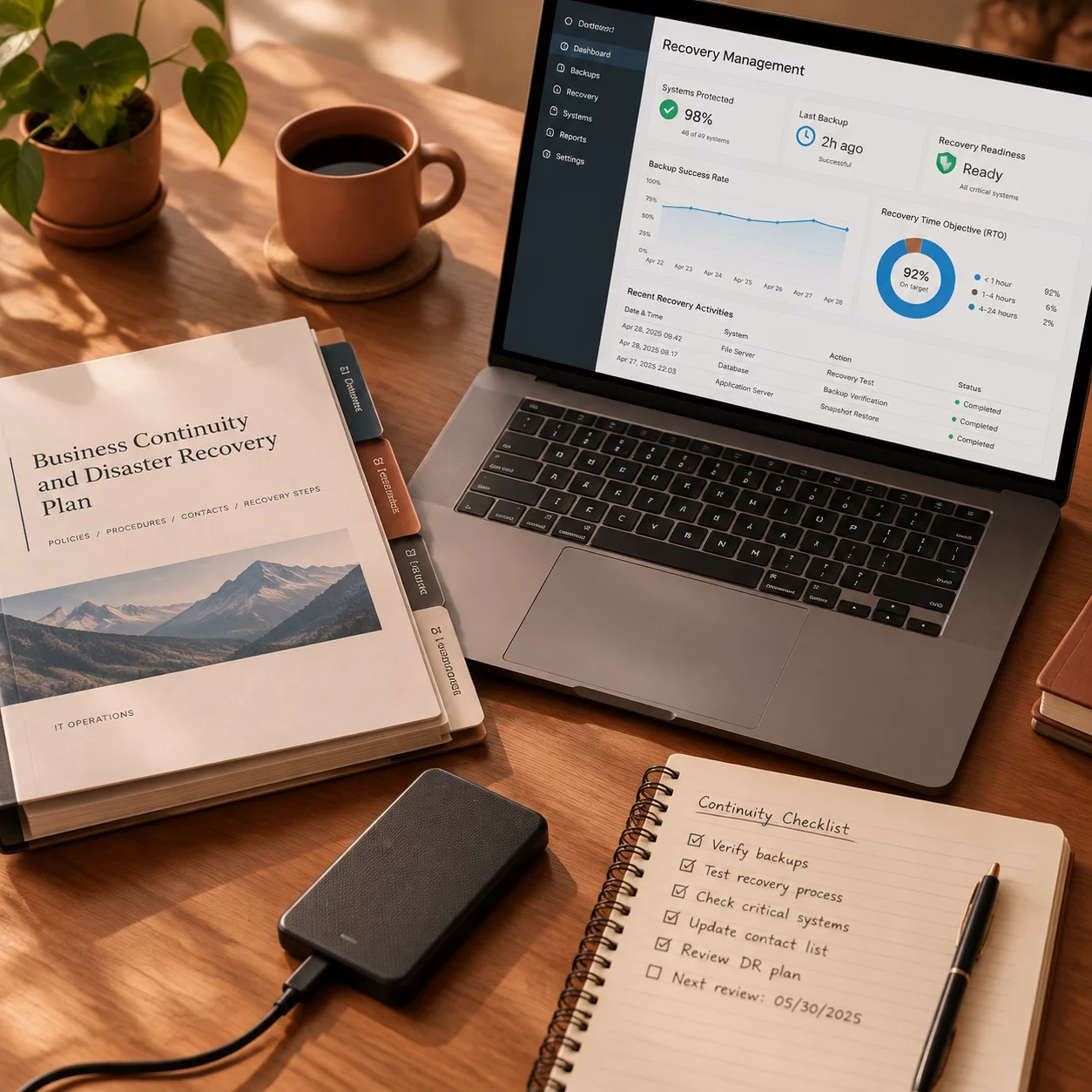
1. Essential Workstations
Identify and categorize terminal devices by operational tier. High-priority financial engines, local ERP endpoints, and manufacturing control consoles require nightly differential snapshots. Ensure each designated essential machine is mapped to its hardware-independent Macrium viBoot virtual boot profile for instant fallback during bare-metal restores.
2. Critical Materials
Physical assets must accompany digital image archives. Maintain air-gapped Windows PE recovery media drives (tested bi-monthly), encrypted network-attached backup vaults, BitLocker recovery key escrow documentation, and cold-spare SSD arrays pre-configured with licensed restoration software.
3. Responsible Team Members
Establish primary and secondary roles across the organization. Backup Custodians oversee scheduled differential and incremental backups; Infrastructure Leads execute bare-metal hardware restores; Operational Supervisors coordinate task redistribution when physical terminals remain inaccessible.
4. Alternative Working Arrangements
Define concrete fallback paths if local hardware is quarantined. Route mission-critical departmental users to pre-staged remote desktop environments or loaner laptops equipped with verified cloud-synced datasets while the primary images are redeployed onto fresh hardware.
Incident Communication & Escalation Trees
During an unexpected interruption, silence generates confusion. A documented communication plan specifies secondary channels (such as out-of-band mobile alerts or secure alternate messaging platforms) to relay status updates to executive leads, departmental staff, and affected external partners.
- T+15 Minutes: System outage declared; backup administrators verify image archive integrity.
- T+45 Minutes: Fallback workstations deployed; team leads notify employees of alternate assignments.
- T+120 Minutes: Image restoration underway on target endpoints with hourly milestone briefings.
Explore Tested Blueprints
Review ready-to-deploy incident protocols and procedural templates built for corporate resilience.
Access Continuity BlueprintsReturn-to-Work Operational Checklist
Validate each recovery phase sequentially before authorizing personnel to resume standard operations on restored infrastructure.